Free
₱0
Receipt scanning, 8% vs graduated, 2307s and BIR reminders.
Start freeSnap a receipt and it’s recorded. See whether 8% or graduated rates cost you less, track your 2307s, and never miss a BIR deadline — no accounting background needed.
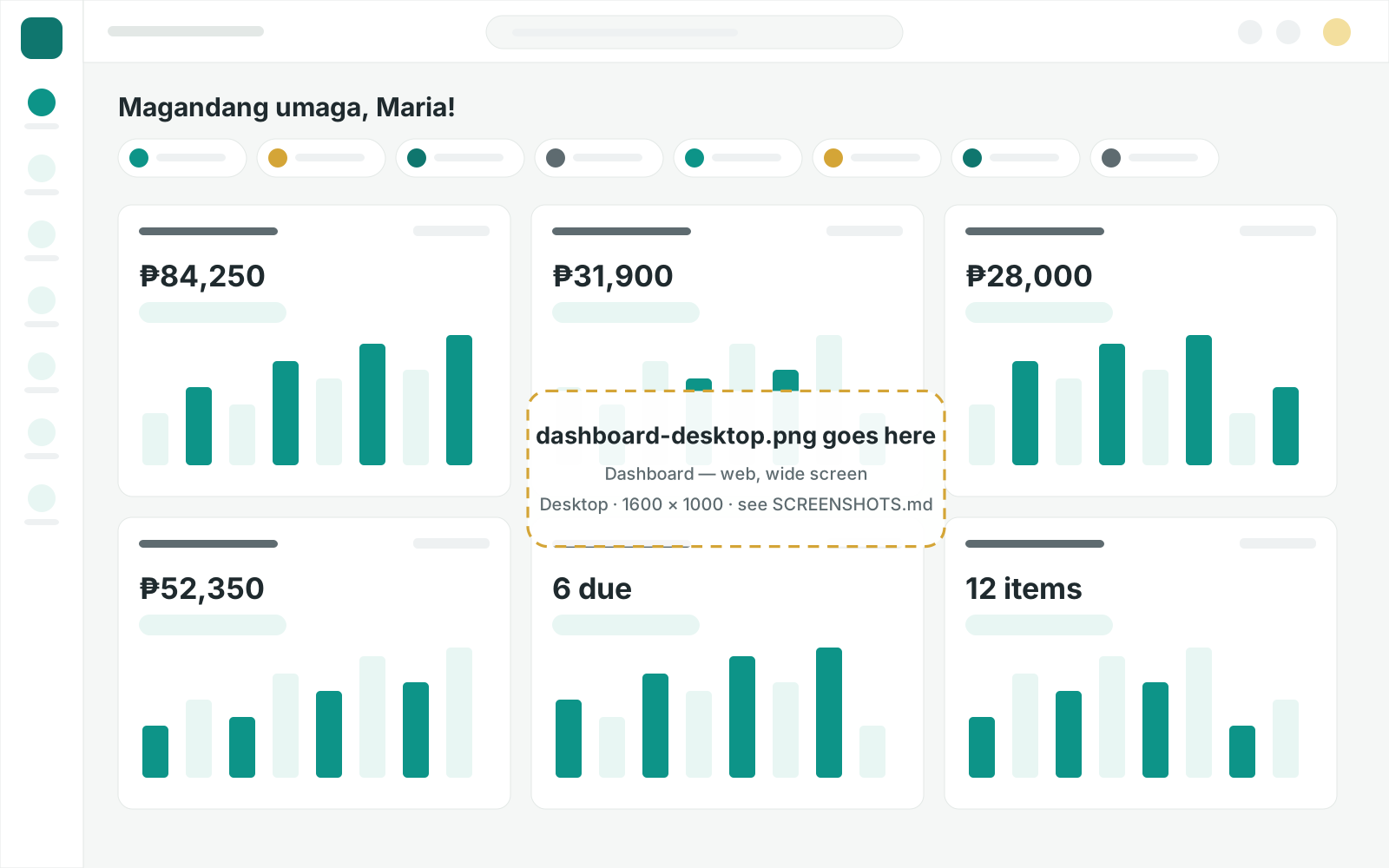
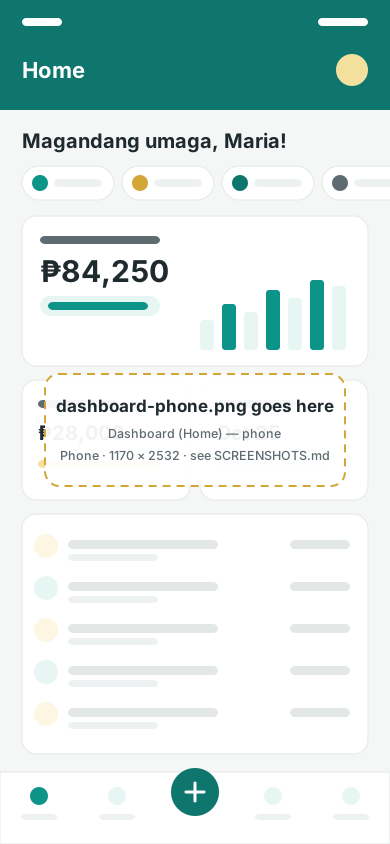
Everything a self-employed Filipino needs to stay on the BIR’s good side, without the spreadsheet stress.
Record income and expenses in seconds — from a photo, a statement, or a few taps.
Receipt scanning on every plan, including Free.
Learn more about Bookkeeping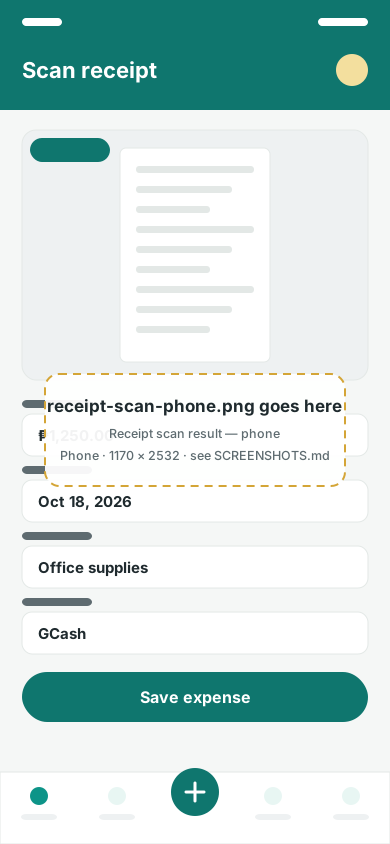
Deskless Books compares your options on your own numbers and keeps you ahead of every deadline.
All of this is on the Free plan.
Learn more about Taxes & BIR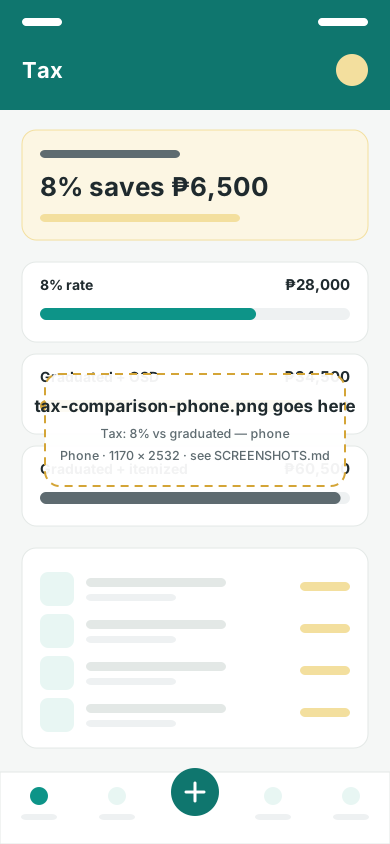
Plain-language reports for you, and proper books for the BIR and your accountant.
Reports from Starter; Books of Accounts and exports on Advance.
Learn more about Reports
Keep every account straight and close each month with confidence.
Statement import from Starter; reconciliation on Business.
Learn more about Bank & reconciliation
For online sellers: know what’s on hand without a separate spreadsheet.
Inventory add-on, ₱99/mo, for online-seller businesses.
Learn more about Inventory
Get expert help without sharing your password.
Collaborators and audit log from Advance.
Learn more about Team & accountants
Take a photo of a receipt or invoice. Got paid? Add the income in a few taps — or import your statement.
AI reads the date, amount and category. You check, then save — nothing is saved without you.
Compare 8% vs graduated on your real numbers, track 2307s, and get reminded before every BIR deadline.
Example: ₱600,000 income in a year, purely self-employed. The 8% option is (₱600,000 − ₱250,000) × 8% = ₱28,000. Graduated rates with the 40% OSD come to ₱16,500 income tax plus ₱18,000 (3%) percentage tax = ₱34,500. With big expenses, itemized deductions can win instead — that’s why we check it on your own numbers. Learn how the options work.
Simple prices in pesos, month to month. Your records stay yours on every plan.
From a crumpled receipt to a clear tax estimate — see how Deskless Books works on a real phone.
Deskless Books runs in your phone’s browser at app.desklessbooks.com — nothing to install — and works the same on your computer, with your records in sync. You can add it to your home screen like an app. A store app for Android is on the way.
Oo! Sign up in the app with your email, do a quick ID and selfie check, then add your business with your TIN and RDO code. You can record your first receipt a few minutes later. Our Getting started guide walks you through it.
Yes, on every plan, including Free. Message our team from the bell icon in the app (attachments welcome) or email support@desklessbooks.com. We can explain how Deskless Books works, but we can’t give professional tax or legal advice.
Yes. Advance lets you invite 1 collaborator and Business lets you invite 3. They pass a short ID check, you choose what they can do, and every change they make shows in your audit log. See For accountants.
Usually, yes — if you use itemized deductions, software you pay for to run your business is a business expense you can record (keep your payment receipt). If you’re on the 8% rate or the 40% OSD, expenses don’t lower your tax separately. Ask a CPA if you’re not sure.
No — you file; we prepare. Deskless Books keeps your records, compares your tax options and prepares your books and draft tax forms. You file your returns and pay the BIR yourself through eBIRForms, eFPS or your RDO and the BIR’s accepted payment channels. Prepared tax forms are worksheets marked “NOT FOR FILING”.
No card needed. Record your first receipt in under a minute, then upgrade only when you need more.